VPN features: ExpressVPN’s
complete guide
ExpressVPN is built different. It comes packed with battle-tested privacy features, delivered by a team that innovates on the cutting edge of cybersecurity.
30-DAY MONEY-BACK GUARANTEE FOR FIRST-TIME USERS
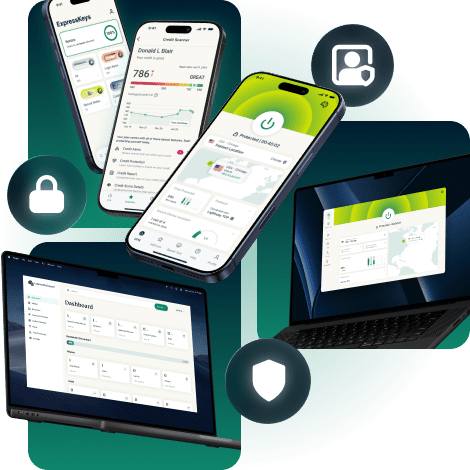


Core ExpressVPN privacy and security features
Essential safeguards that help protect your data across every connection
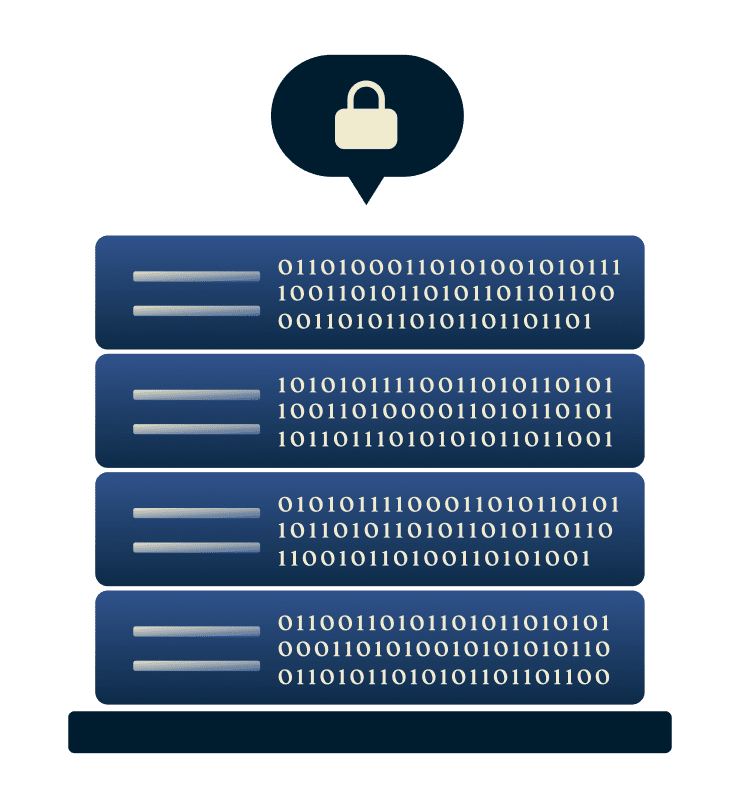
TrustedServer technology with RAM-only servers
Your browsing activity and connection logs are never stored. ExpressVPN’s TrustedServer technology operates on volatile memory (RAM), removing all server data on every reboot. No user activity ever touches a hard drive, so nothing persists between your VPN sessions.
Each reboot loads the latest, verified software, supporting consistent security across the entire network and reducing the risk of outdated configurations.

Strong encryption standard for secure connections
ExpressVPN encrypts your internet traffic using 256-bit AES encryption, helping protect your data from interception and unwanted monitoring. This keeps your online activity private, whether you’re using shared or home networks.
By encrypting your traffic, ExpressVPN also makes it harder for ISPs to see what your connection is being used for. This can help reduce content-based ISP throttling, so your speeds stay consistent when streaming, gaming, or downloading large files.

Lightway protocol supports secure, high-speed connections
Lightway is ExpressVPN’s proprietary protocol designed with security at its core. It uses modern cryptography and a streamlined codebase that is easier to audit and maintain, helping reduce the risk of vulnerabilities.
Because the Lightway protocol is efficient by design, it also delivers faster connections and better stability. It connects quickly, switches smoothly between Wi-Fi and mobile networks, and uses fewer system resources, which helps improve performance and battery life on mobile devices.
Internet Kill Switch
ExpressVPN’s Internet Kill Switch is designed to protect your data if your connection drops unexpectedly. When this happens, it automatically blocks all internet traffic, preventing your real IP address or unencrypted data from leaking until the connection is restored.
This ensures your privacy stays intact during network changes, unstable Wi-Fi, or brief connection interruptions. The kill switch works quietly in the background, so you stay protected without needing to take action or constantly monitor your connection.

Leak protection and private DNS servers
If you’re wondering which VPN offers the best IP masking features, ExpressVPN prevents IP address, DNS, and WebRTC leaks with built-in safeguards.
ExpressVPN also runs its own private, zero-knowledge DNS on every server. This means your DNS requests stay encrypted and handled internally, rather than being sent to third-party DNS providers. The result is tighter control over your data and fewer opportunities for information to leak.

Automatic obfuscation on every server
Network filters and firewalls can block VPN traffic. Obfuscation keeps your connection working. ExpressVPN uses automatic obfuscation on supported platforms to keep your connection stable when networks attempt to block or interfere with VPN traffic.
This feature activates without any action on your part, letting you access your accounts on school, work, hotel, and public Wi-Fi networks with enhanced privacy.
ExpressVPN features for high-performance connections
Intelligent technology to support high-bandwidth activity
-
Global network optimized for fast connections

Why it matters: Stable connection to stream, play, work remotely, and make video calls without interruptions.
ExpressVPN combines the ultra-fast Lightway protocol with high-performance 40Gbps and 10Gbps servers across 113 to deliver fast, reliable connections. You get fast playback and minimal lag with ExpressVPN’s high-speed VPN connections and servers close to your location.
-
Unlimited VPN bandwidth supports heavy usage

Why it matters: Stay connected despite binge-watching shows all week or downloading large files.
ExpressVPN never caps your bandwidth or throttles your connection for consuming large amounts of data. Stream 4K videos, move large files, and run multiple devices at once without hitting data limits or experiencing slower speeds.
-
Split tunneling for VPN protection flexibility

Why it matters: Access local printers and smart home devices as usual while securing apps that need VPN protection.
Split tunneling lets you route some apps through ExpressVPN while allowing others to use your regular internet connection. This way, you can keep printers, NAS drives, and smart home devices accessible while maintaining VPN protection for browsing, streaming, or banking.
-
Dedicated IP addresses provide consistency

Why it matters: Get an exclusive IP address that reduces login checks and works better with business platforms.
ExpressVPN’s Dedicated IP gives you the same IP address every time you connect to a specific VPN server, reducing CAPTCHA prompts and IP-based login flags. Remote work platforms, business tools, and gaming services can recognize your IP address, reducing friction during sign-ins.
Network-level protection and filtering features
Reduce noise, trackers, and unwanted threats

Ad blocker reduces clutter when browsing sites
ExpressVPN’s ad blocker filters intrusive ads and pop-ups that slow down page loading and distract from what you’re reading.
Because it blocks ad domains at the DNS level, these elements never load in the first place. This creates a better browsing experience on ad-heavy news platforms, blogs, and shopping sites. It also helps you save more on data expenses.

Block trackers and malicious sites for safer browsing
The tracker blocker prevents apps and websites from communicating with third-party trackers that collect your data, giving you greater control over your privacy. The malicious site blocker stops your device from connecting to phishing sites, scam sites, and other online threats.
We regularly update our blocklist to prevent even the latest tracker servers and malicious websites from communicating with your device.
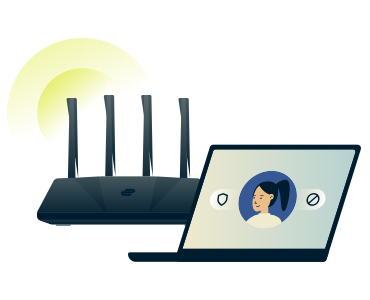
Parental controls to protect the entire family
Parental controls let you filter adult or unsafe content across connected devices, supporting kid-friendly browsing without constant supervision.
You can choose categories based on your household’s needs and apply filtering across your entire home network.
Secure your passwords with ExpressKeys
A safer, simpler way to manage the credentials you use every day, built as a standalone app
-
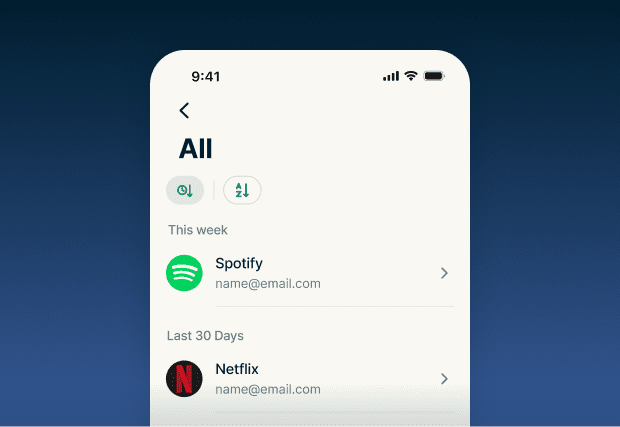
Store and protect
Save unlimited passwords, payment details, and notes, and securely attach files with zero-knowledge encryption. Only you can see or unlock your information (online and offline), not even ExpressVPN can read it.
-
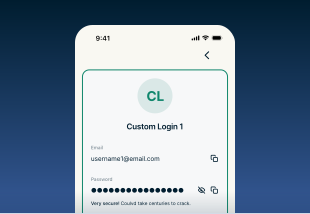
Sign in faster
No more trying to remember login IDs or reset forgotten passwords. ExpressKeys auto-fills your details and supports passkeys so you can log in quickly. You can also unlock the app with biometrics instead of your vault password.
-
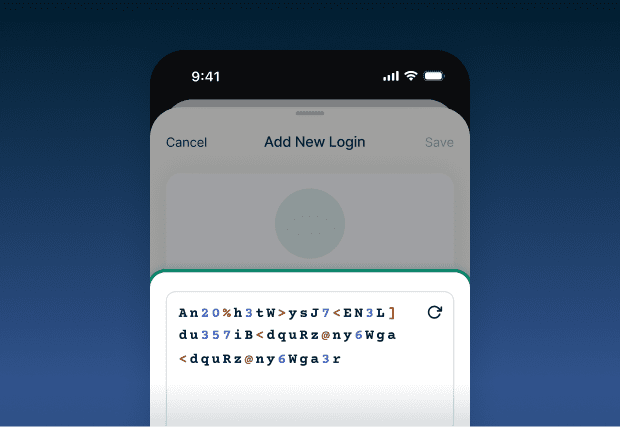
Create stronger credentials
ExpressKeys can generate strong, unique passwords for better security. It also keeps an eye on your password health and alerts you if any credentials are weak or exposed.
-
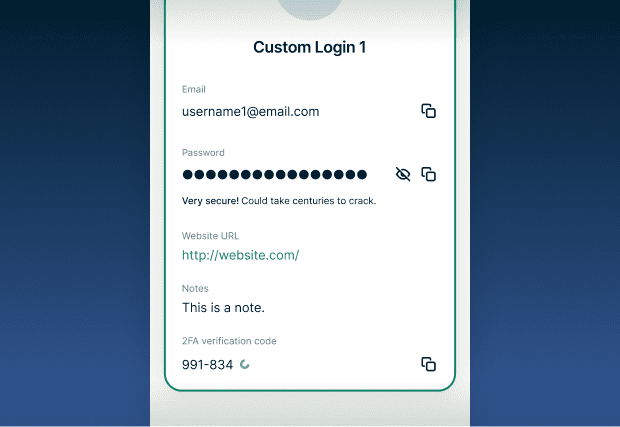
Add an extra layer of security
For accounts that offer two-factor authentication, ExpressKeys can generate one-time codes for extra protection without you having to switch apps or tools.
ExpressKeys is included with Advanced and Express Pro subscriptions or available as a standalone subscription through the ExpressKeys Android, iOS, and macOS apps
Keep your AI chats confidential with ExpressAI
Using exciting new technology shouldn’t come at the cost of your privacy

Enterprise-grade privacy for everyday AI
ExpressAI uses secure computing enclaves to isolate your conversations inside a protected hardware environment with end-to-end encryption. Your conversations are processed in encrypted memory and aren’t stored long-term.
Think of it like a private vault—your conversations stay in a secure, isolated environment and disappear when your session ends.

An AI built to put safety and privacy first
Your conversations are processed inside a secure enclave and can’t be accessed by the host server, ExpressVPN, or any third parties. ExpressAI doesn’t use your conversations or data for training, either. For extra peace of mind, you can set your chats to expire automatically.
ExpressAI’s privacy and security design has been independently audited by Cure53, a leading cybersecurity firm.
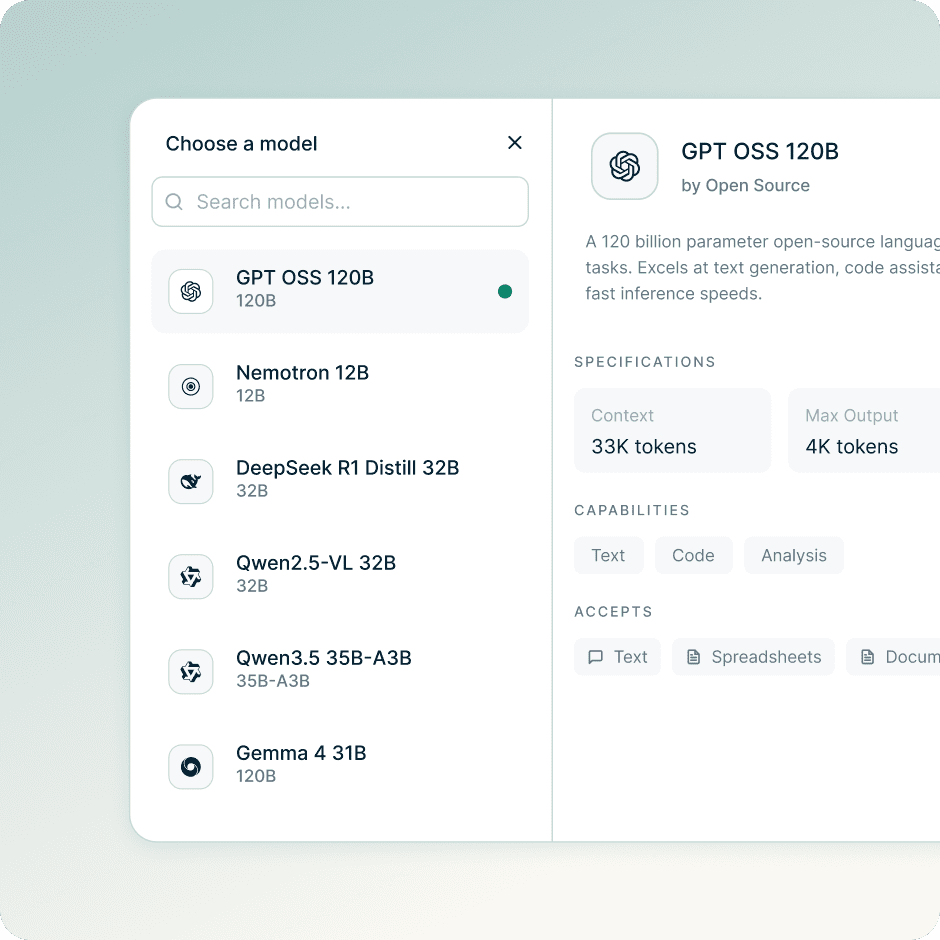
How ExpressAI Works
Access ExpressAI directly in your browser. No apps, extensions, or additional downloads required.
Choose from leading AI models in a privacy-first environment for everything from writing and coding to analyzing text, images, and video.
- GPT OSS 120B (OpenAI): General-purpose writing and reasoning
- DeepSeek R1 Distill 32B: Built for multi-step reasoning and analysis
- Qwen2.5-VL 32B: Multimodal model for analyzing documents and images
- Qwen3.5 35B-A3B: Advanced model for coding, long tasks, and multilingual use
- NVIDIA Nemotron 12B: Model for math, code, and technical tasks
- Gemma 4 31B (Google): Multimodal model for analyzing video, images, and documents
ExpressAI is available to Express Pro subscribers
Protect your email with ExpressMailGuard
Secure your inbox without changing how you use email
-
Hide your real email address
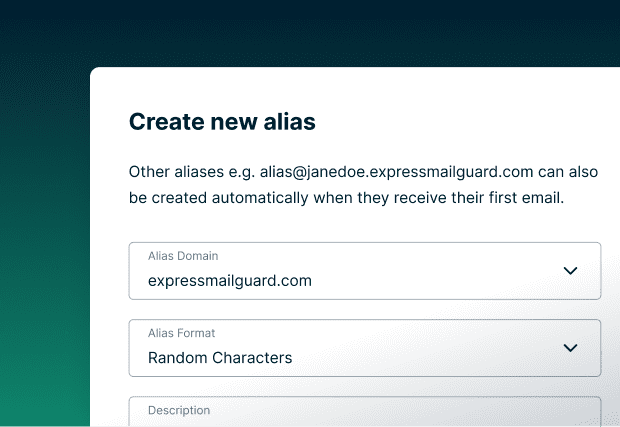
Stop handing out your real address every time you sign up for an app, service, or newsletter. Use aliases and declutter your inbox.
-
Cut down on spam and phishing
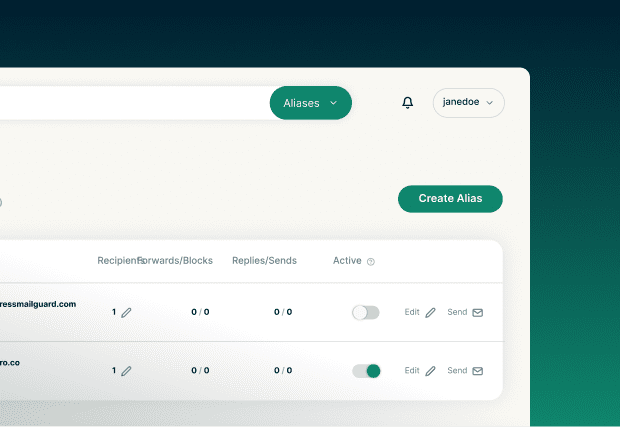
Most spam starts with a leaked email address. If an alias is misused or sold, disable it and move on. Your real inbox stays clean.
-
Stay reachable without oversharing
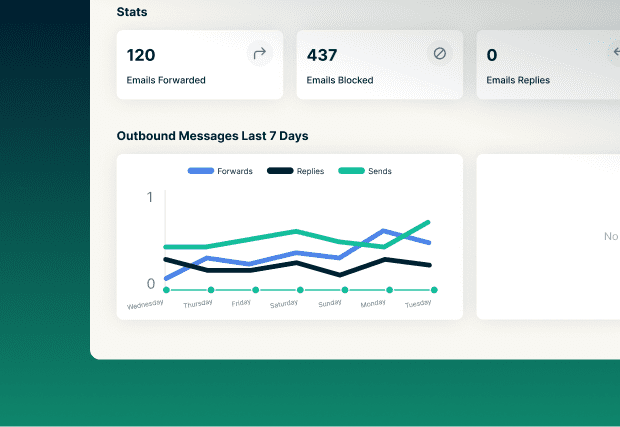
Emails sent to your aliases still land in the inbox you already use. You get the messages you want without exposing your real address.
-
Manage everything in one place
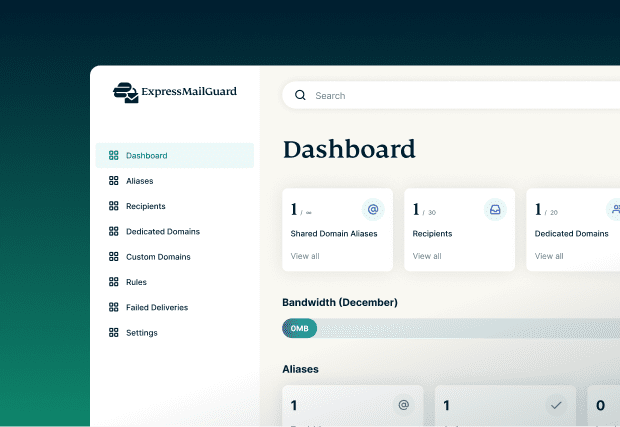
Create, disable, or delete aliases from a single dashboard. Change how your email is shared without updating dozens of accounts.
ExpressMailGuard is available starting on ExpressVPN’s Basic tier, with additional features available on Advanced and Express Pro tiers
Identity Defender
(U.S. subscriptions only)
Get online safety with tools designed to protect personal information

Credit Scanner tool
Get notified when suspicious credit activity appears in your name.
Identity Defender monitors your credit activity for new accounts, unusual inquiries, or unexpected changes that may signal fraud. You receive real-time alerts when something needs your attention, so you can act quickly if someone tries to open accounts or access financial services in your name.

ID Theft Insurance coverage
Get up to $5M in coverage if identity theft happens.
Our ID Theft Insurance coverage helps reimburse eligible expenses tied to restoring your identity, including legal support, document replacement, and recovery costs. It adds a financial safety net so you’re not left handling the fallout on your own.

Data Removal assistance
Stop data brokers from selling your personal information online.
The Data Removal service helps remove your personal information from data broker databases that collect and sell sensitive details. Automated submissions and ongoing monitoring track the status of each removal request. This supports stronger long-term privacy by reducing how widely your data circulates online.

ID Alerts and notifications
Get real-time alerts when your personal information is compromised.
ID Alerts notifies you when your personal details appear in known breaches, dark web leaks, or suspicious activity logs. You can customize the monitoring for email addresses, phone numbers, Social Security numbers, and address changes. These notifications help you respond quickly, whether updating passwords or reviewing accounts for signs of misuse.
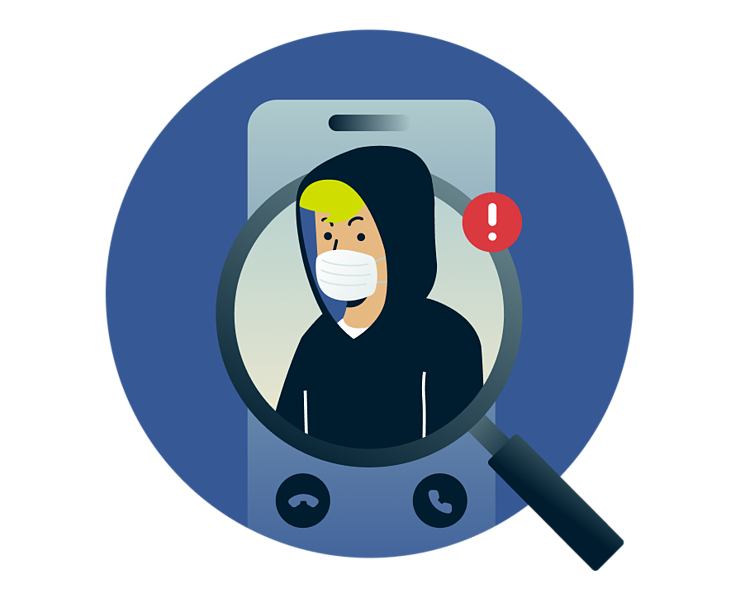
Caller Identification
Flag and block suspicious incoming calls.
Caller Identification checks incoming calls to identify potential spam and scam numbers. Adjust your protection level to get warnings before you answer, block reported spam and scams, or block suspected spam and scam calls. Available on Android and iOS.
*Identity Defender features are available to Advanced and Express Pro subscribers in the U.S. only. ID Theft Insurance is underwritten and administered by American Bankers Insurance Company of Florida, an Assurant company, under group or blanket policies issued to Array US Inc. or its respective affiliates, for the benefit of its Members. Please refer to the actual policies for terms, conditions, and exclusions of coverage. Coverage may not be available in all jurisdictions. Review the Advanced Tier Summary of Benefits and the Express Pro Tier Summary of Benefits.
Automate your VPN with ExpressVPN’s MCP server
Manage your VPN through automation and natural language
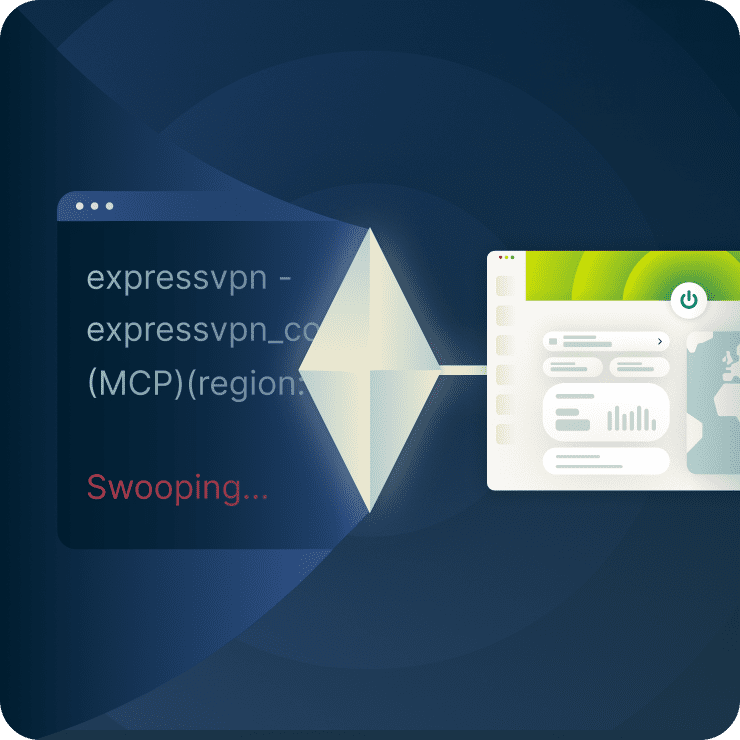
A secure, local bridge between AI tools and your VPN
The ExpressVPN MCP server lets you use your AI coding tools to manage VPN settings. It’s fully opt-in, and once enabled, it runs locally and rejects all remote connections. This means that your AI tools can interact with your VPN without accessing your account data or activity.
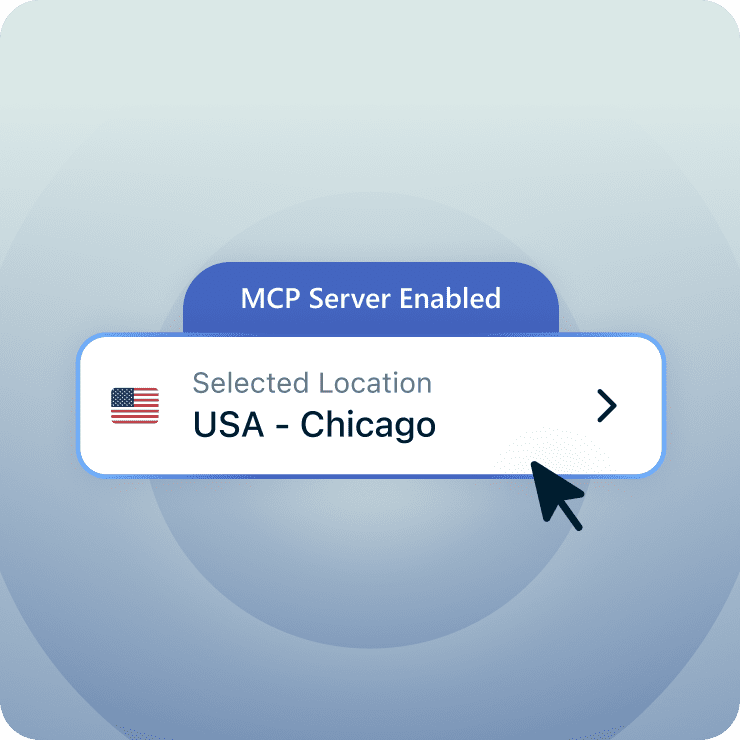
Automate routine VPN tasks without breaking your workflow
Once connected, MCP-compatible tools like Claude Code and Codex can perform the VPN actions you’d normally handle yourself—checking your connection state, verifying protocol settings, switching regions, or confirming kill switch status. You can stay focused on your work while your AI assistant manages the network layer in the background.
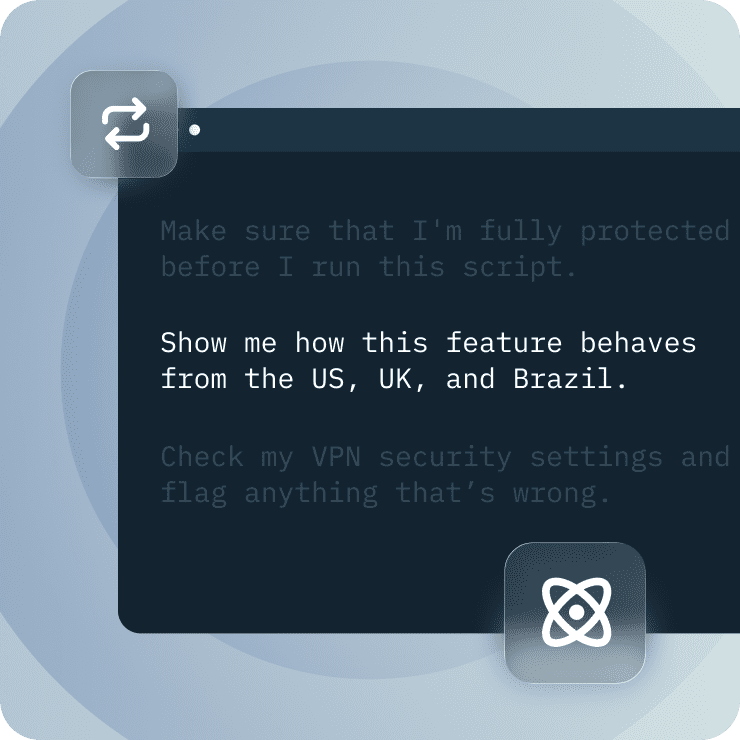
Troubleshoot faster with AI-assisted diagnostics
When your connection slows down or a configuration isn’t behaving as expected, the MCP server lets your AI tool run diagnostic checks. It can review your protocol, DNS configuration, server selection, and Advanced Protection settings, then explain what’s affecting your connection. This gives you fast, consistent troubleshooting without manually testing each step yourself.
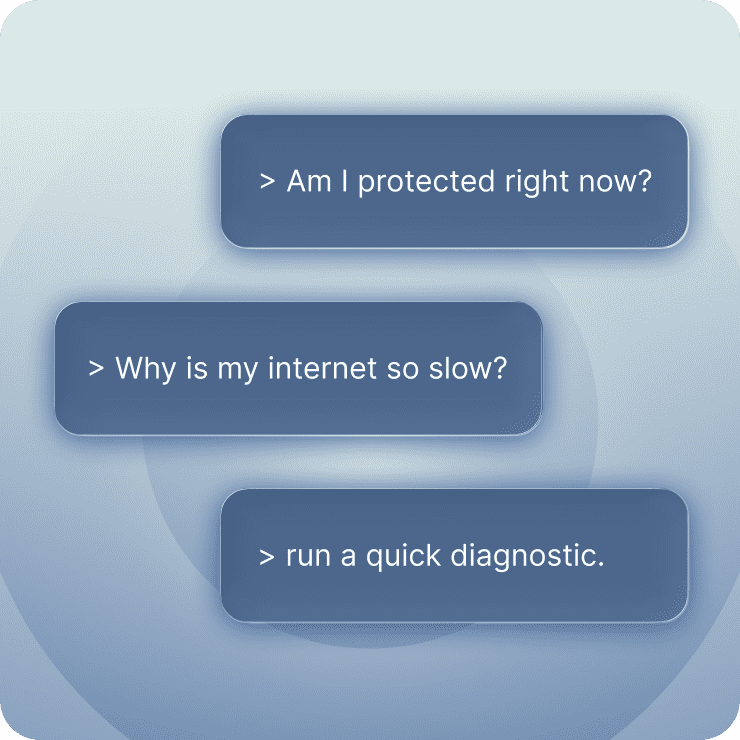
Control your VPN with natural-language prompts
With MCP, your AI assistant can understand instructions like "connect to the UK," "check my security," or "run a quick diagnostic." It performs these actions locally, turning everyday VPN changes into quick, conversational tasks that don’t disrupt your workflow.
What features make a VPN trustworthy?
Understand what the main security features of a VPN are and how they define a secure, premium service
Safe protocols and encryption standards
Why it matters: Your data needs privacy and security against cyber criminals, especially on public Wi-Fi.
ExpressVPN uses 256-bit AES encryption paired with trusted protocols like OpenVPN and WireGuard. Lightway, our proprietary protocol, delivers even faster speeds with strong security.

Independent security practices and reviews
Why it matters: Trust requires proof, not promises, that our apps are safe to use and our systems work as designed.
ExpressVPN undergoes regular third-party audits by firms like PwC, Cure53, and KPMG. These independent reviews verify our no-logs policy, test our TrustedServer technology, and confirm our security protocols meet industry standards. All reports are publicly available.
ExpressVPN features vs. free VPN features
Which VPN offers the strongest security features?
No-logs policy
ExpressVPNStrict no-logs policy with transparent and published audit reports
Free VPNs (typical)Broad, vague policy; your data may be logged or sharedServer technology
ExpressVPNRAM-only servers and TrustedServer technology remove all session data on rebootFree VPNs (typical)Disk-based servers that can retain data long-termEncryption
ExpressVPN256-bit AES encryption across all appsFree VPNs (typical)Often uses weaker or unspecified encryption levelsProtocols
ExpressVPNOpenVPN, WireGuard, and Lightway for stability and speedFree VPNs (typical)Limited protocol selection; may rely on older, slower methodsLeak protection
ExpressVPNBuilt-in IP/DNS/WebRTC leak safeguardsFree VPNs (typical)Inconsistent or missing leak protection featuresInternet Kill Switch
ExpressVPNKill switch included on supported platformsFree VPNs (typical)Often unavailable or inconsistentSpeed performance
ExpressVPNLightning-fast with 40Gbps servers in many locations and the Lightway protocolFree VPNs (typical)Congested servers that slow during peak hoursIncluded extras
ExpressVPNExpressKeys password manager, ad and tracker blocker, parental controls, ExpressMailGuard, ExpressAI, and moreFree VPNs (typical)Rarely includes added features or tools beyond basic encryption and IP maskingDevice coverage
ExpressVPNUp to 14 simultaneous connections; apps for phones, laptops, smart TVs, and Fire TV StickFree VPNs (typical)Limited simultaneous connections and device supportCustomer support
ExpressVPN24/7 live chat assistance with real expertsFree VPNs (typical)Basic email support or no real-time help
| ExpressVPN | Free VPNs (typical) | |
|---|---|---|
| No-logs policy |
Strict no-logs policy with transparent and published audit reports |
Broad, vague policy; your data may be logged or shared |
| Server technology |
RAM-only servers and TrustedServer technology remove all session data on reboot | Disk-based servers that can retain data long-term |
| Encryption | 256-bit AES encryption across all apps | Often uses weaker or unspecified encryption levels |
| Protocols | OpenVPN, WireGuard, and Lightway for stability and speed | Limited protocol selection; may rely on older, slower methods |
| Leak protection | Built-in IP/DNS/WebRTC leak safeguards | Inconsistent or missing leak protection features |
| Internet Kill Switch | Kill switch included on supported platforms | Often unavailable or inconsistent |
| Speed performance | Lightning-fast with 40Gbps servers in many locations and the Lightway protocol | Congested servers that slow during peak hours |
| Included extras | ExpressKeys password manager, ad and tracker blocker, parental controls, ExpressMailGuard, ExpressAI, and more | Rarely includes added features or tools beyond basic encryption and IP masking |
| Device coverage | Up to 14 simultaneous connections; apps for phones, laptops, smart TVs, and Fire TV Stick | Limited simultaneous connections and device support |
| Customer support | 24/7 live chat assistance with real experts | Basic email support or no real-time help |
Devices and app coverage
Bring consistent security to every device you use throughout your day


How many devices can I connect?
ExpressVPN supports up to 14 simultaneous connections under one subscription. Families, travelers, and multitaskers get the flexibility to stay protected across laptops, phones, and tablets.
Payments, trials, and guarantees
Risk-free, simple ways to subscribe and manage billing
VPN trial: Try features risk-free
Want a VPN with the best testing features? ExpressVPN gives you full access to all the features available with your subscription during the VPN trial period*, so you can see how they work before committing.
The 3-day free trial is available with our iOS and Android apps via their official app stores. Once activated, you can use your credentials on up to 14 devices at the same time to explore performance across all supported platforms, not just mobile.
*You will be charged on the last day of your free trial. Users who sign up for the free trial on iOS or Android are not eligible for the 30-day money-back guarantee for first-time subscribers.

30-day money-back guarantee
Try ExpressVPN and request a refund within 30 days if it’s not right for you. Our money-back guarantee* covers all the features in your subscription to stream, download, and browse privately across your devices. To request a refund, just contact our 24/7 live chat support within 30 days of subscribing.
*Limited to first-time customers only. iOS and Android subscribers must request refunds through the Apple App Store or Google Play Store, which are granted at Apple’s or Google’s discretion.
Payment methods and billing options
You can pay for ExpressVPN with major credit cards, PayPal, Apple Pay, and Google Pay.
Automatic renewal ensures continuous protection. However, you can disable this, update payment methods, and switch or cancel your subscription at any time from your account dashboard.

Get help 24/7 with our Support Team
Our expert Support Team is available around the clock through live chat and email to answer questions about features, setup, or billing. Real-time assistance helps guide you through configuration and optimizations whenever you need it.
You can also access detailed FAQs and setup tutorials for smart TVs, browsers, and desktops from our Trust Center. All our knowledge base pages and live chat support are available in multiple languages.
What people are saying about ExpressVPN
-
Absolutely fantastic. It was the perfect solution for connectivity issues in a game I've been playing recently.
J B


-
ExpressVPN is the perfect all around VPN service for your network security needs.
Dirt_Reynolds


-
ExpressVPN is the fastest VPN I've found. It shows you the fastest server you can connect to, and a list of alternate servers.
Christopher Gilmer
-
#1 Best VPN 2026 & Best Gaming VPN
ExpressVPN is the best Gaming VPN right now, thanks to its impressive speeds, excellent privacy protections and expansive global network of servers.

-
Editor’s Choice Award 2026
ExpressVPN’s expansive network and dedication to staying on the forefront of encryption tech earn it an award.

-
#1 Best VPN for the U.S. 2026
ExpressVPN is the best VPN for the U.S. right now. It has VPN servers in every American state, excellent security, and a simple user interface.

-
 Rated 4.4 out of 5
 -
 Rated 4.7 out of 5






FAQ
Essential explanations to help you choose the right VPN tools
Which VPN features should I look for in a VPN?
The most important features include strong encryption, a trusted no-logs approach, leak protection, fast protocols, and broad device support. ExpressVPN combines AES-256 encryption, Lightway, private DNS, and RAM-only servers to help you maintain consistent security and performance across streaming, work, and daily browsing.
Is a kill switch necessary?
Yes, a kill switch adds protection during unexpected dropouts by blocking traffic until your VPN connection is restored. ExpressVPN's Internet Kill Switch prevents IP address exposure when your VPN disconnects, especially on public Wi-Fi or when handling sensitive work data.
Do I need a dedicated IP?
Not necessarily, but a dedicated IP can help when services require consistent login behavior on remote work tools, banking, or gaming platforms. ExpressVPN offers dedicated IPs with the Express Pro plan, giving you a stable address that reduces CAPTCHA prompts and login interruptions caused by frequently changing IP addresses.
How many and which devices can ExpressVPN cover?
ExpressVPN supports up to 14 active connections, including phones, laptops, tablets, smart TVs, and gaming consoles.
How do trials and guarantees work with ExpressVPN?
New subscribers can try ExpressVPN with a 30-day money-back guarantee*. It's enough time to test all the features in your subscription across your devices. To request a refund, contact our support team, available 24/7.
*Users who purchased their subscriptions through the Apple App Store (iTunes) or the Google Play Store do not have access to the ExpressVPN 30-day money-back guarantee. Instead, users can request refunds through the App Store or Play Store, at Apple’s or Google’s discretion.
Can I use a VPN for streaming content?
Yes. ExpressVPN secures your connection while streaming on your existing accounts. Our 40Gbps and 10Gbps servers and Lightway protocol deliver stable performance for HD and 4K streaming. Results may vary by region, device, and network conditions.
How fast is ExpressVPN compared to other VPNs?
ExpressVPN ranks among the fastest VPNs because the network is optimized for high-bandwidth activities. Many services cause noticeable slowdowns that affect streaming, gaming, and video calls. However, ExpressVPN supports fast performance through the Lightway protocol, 40Gbps and 10Gbps servers, and continuous network optimization across global locations.