VPN trial: Try ExpressVPN risk-free for 30 days
Get trusted VPN protection on up to 14 devices, including your smartphone and tablet
- Try VPN protection and explore ExpressVPN features risk-free
- Get fast connections, advanced encryption, and reliable access
- 24/7 live chat support for questions and cancellation requests
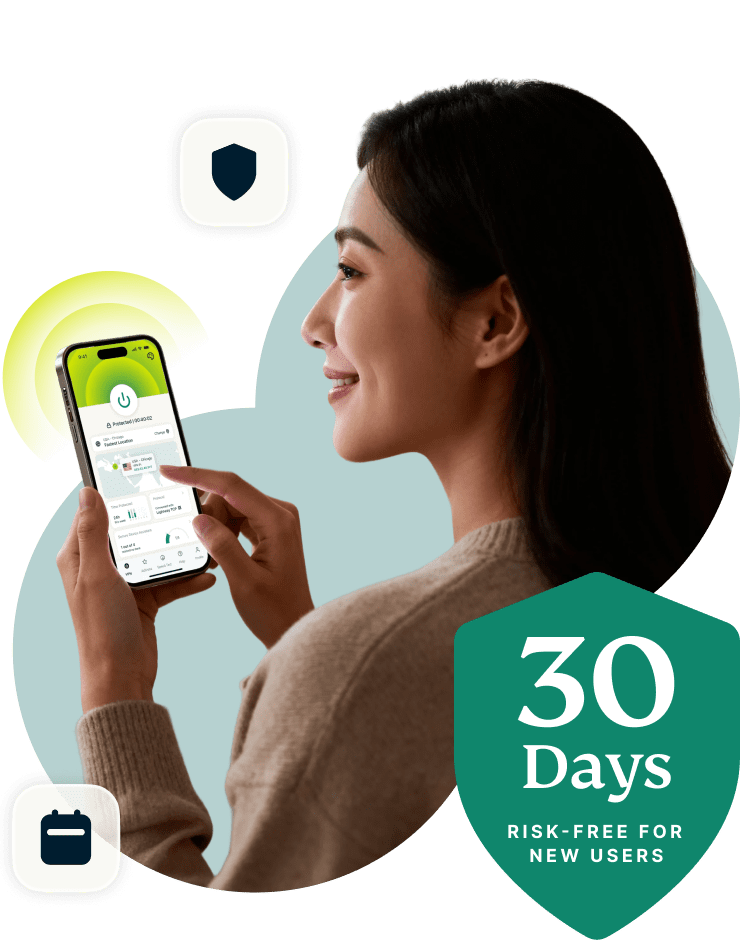
30-DAY MONEY-BACK GUARANTEE FOR FIRST-TIME USERS
What you get with the ExpressVPN trial
Explore ExpressVPN’s security, speed, and network strength risk-free
Full VPN security: No limits, no restrictions
Put ExpressVPN's security features to the test, wherever life takes you.
Your trial includes full access to 256-bit AES encryption and Internet Kill Switch without limits, giving you the freedom to browse, stream, and bank with total peace of mind. Whether you're at home or connecting through public Wi-Fi in a busy café, your data remains protected.

Full access to 214 server locations worldwide
While using ExpressVPN risk-free, you can connect to 113 countries, with thousands of 10Gbps and 40Gbps servers scattered across the globe. Whether you manage your bank account at Changi Airport or game in Florida, our global network ensures consistent VPN connections, near and far.
Plus, our proprietary Lightway protocol ensures you never have to choose between speed and protection.
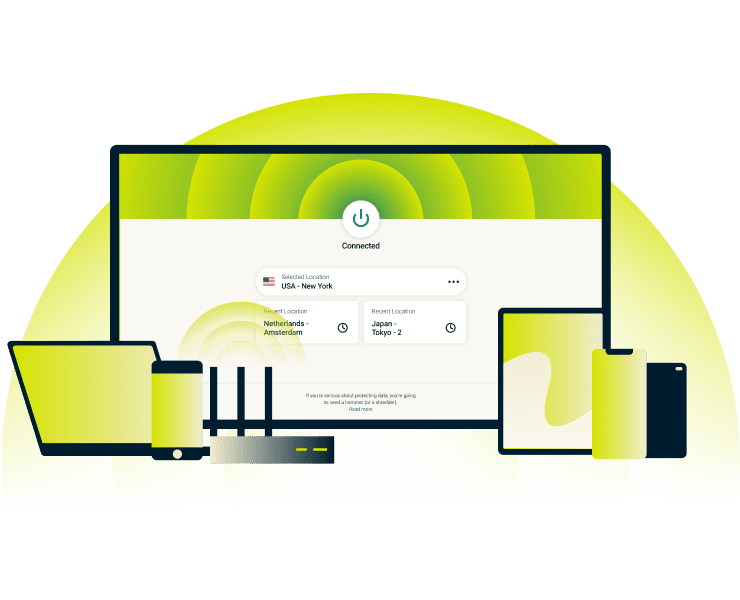
Compatible with phones, laptops, smart TVs, and more
You get multi-device with up to 14 simultaneous connections, letting you stream on an iPad, secure your Windows laptop, browse on an Android phone, and more.
Test the full range of ExpressVPN apps risk-free across all your devices.
Verified privacy protection you can count on
From the moment you connect, your browsing stays private. ExpressVPN's audited no-logs policy means we don't record, monitor, or share your online activity—ever.
Our TrustedServer technology goes further by running on RAM-only servers that wipe all session data with every reboot. Independent audits by PwC and Cure53 verify every claim, so you can browse with complete confidence.
How to start with ExpressVPN in 3 easy steps
Get protected in minutes with quick setup across all your devices
Option A: Try ExpressVPN risk-free with the 30-day money-back guarantee
-
![How to sign up for ExpressVPN]()
Step 1
Sign up and create your account
Choose a subscription and enter your information to register.
-
![Download App@2x 4]()
Step 2
Install ExpressVPN on your devices
Visit our download page and install the VPN on your devices.
-
![Connect To Server@2x 8]()
Step 3
Connect and browse
Choose any VPN server and click or tap to connect securely.

Option B: Get a 3-day free trial on iOS and Android
-
![Download Ios Android 1]()
Step 1
Get ExpressVPN on iOS or Android
Find ExpressVPN in the App Store or Google Play Store. Tap install to download.
-
![How to sign up for ExpressVPN]()
Step 2
Start the free trial in the app
Sign up for any plan, and create your account to start your 3-day trial.
-
![Us Location Globe Africa Europe Middle East 3x B08e10b266d7e54e69378670228a58e3]()
Step 3
Connect and browse securely
Tap the power button to connect.

Prefer not to use a credit card? Pay with PayPal or other methods
Want to get a VPN trial without a credit card? Choose what best fits your payment preference and explore ExpressVPN with the 30-day money-back guarantee, even without a traditional credit card.
ExpressVPN accepts a variety of payment methods, including PayPal, Apple Pay, and Google Pay.
Watch: How to activate your ExpressVPN trial
Follow our quick video guide to get easy-to-follow setup guidance
Why ExpressVPN is better than a free VPN
Learn how full-feature protection beats bandwidth limits and weak privacy
-
![Image 13]()
No logs and blocked threats vs. vulnerabilities
Free VPN: May log extensive amounts of your personal data. Intrusive ads with no blocks and your data may even be sold to advertisers.
ExpressVPN: Keeps your activity private with a verified no-logs policy. Ad, malware, and tracker blocker options available to bolster your protection.
-
![Image 14]()
Unlimited bandwidth vs. caps and cutoffs
Free VPN: Limited bandwidth and data caps may slow or cut your connection. Streaming and gaming can be suddenly interrupted.
ExpressVPN: Provides unrestricted bandwidth across all servers. This supports fast, reliable streaming, gaming, and downloads during the refund period and the entire subscription.

-
![Image 15]()
24/7 Live support vs. outdated FAQs
Free VPN: Little or no real-time assistance if setup fails or servers disconnect mid-session. Vague FAQs leave you with unanswered questions.
ExpressVPN: Round-the-clock help from expert agents in English, Spanish, Japanese, and more, including server guidance for your location.
-
![Image 16]()
Robust security vs. lacking features
Free VPN: Outdated encryption and no kill switch leave you vulnerable to leaks, whether you're home or using public Wi-Fi at Heathrow Airport.
ExpressVPN: 256-bit AES encryption with post-quantum protection and Internet Kill Switch safeguards your data against current and future threats.

See the full comparison: ExpressVPN vs. free VPNs
| Feature | Free VPNs | ExpressVPN with 30-day money-back guarantee |
|---|---|---|
| Kill switch | ✘ | ✔ |
| Reliable leak protection (DNS/IP) | ✘ | ✔ |
| Verified no-logs policy | ✘ | ✔ |
| RAM-only server infrastructure | ✘ | ✔ |
| Server access (countries) | Less than 10 | 214 server locations in 113 countries |
| Streaming capability | Not compatible or unstable | Consistent, optimized for all popular platforms |
| Bandwidth limits | 10GB/monthly or less | Unlimited |
| Customer service | No support, FAQs only | 24/7 live chat, multilingual support, exhaustive FAQs |
| Connection speeds | Often slow or throttled | High-speed, stable connections |
| Device limit | One device | Up to 14 simultaneous devices |
| Security (256-bit encryption, post-quantum protection) | Vague about encryption levels, outdated protocols | 256-bit AES encryption with post-quantum protection |
| Ad / tracker / malware filters | Rarely included | Built-in protection tools |
Security tools included during your trial
Beyond VPN protection—built-in tools and add-ons to boost overall security
-
![Image 17]()
Tracker and malicious site blockers
Our tracker blocker and malicious site blocker block known malware sources, trackers, and other risky domains while you browse or share files on P2P sites.
All you have to do is toggle these options on within the VPN app.
-
![Image 18]()
Built-in ad blocker for faster browsing
Ad-heavy news sites or sports portals such as Daily Mail load faster when unwanted ads are filtered out.
ExpressVPN’s ad-blocking feature helps you browse without annoying popups and banner ads cluttering your view.
-
![Image 19]()
Password manager to secure your credentials
Safely access sensitive apps like Chase securely, whether you’re at home or on the go.
ExpressKeys uses zero-knowledge encryption to store your credentials privately while autofill simplifies logins across devices.
-
![Image 20]()
Parental controls for safer family internet use
You can customize settings per device, keeping your children’s tablets safe to use while your own connections remain unrestricted.
Advanced Protection features include adjustable filters that block adult websites and unsafe domains.
ExpressVPN works on all major devices
Protection that adapts to every gadget you rely on day-to-day
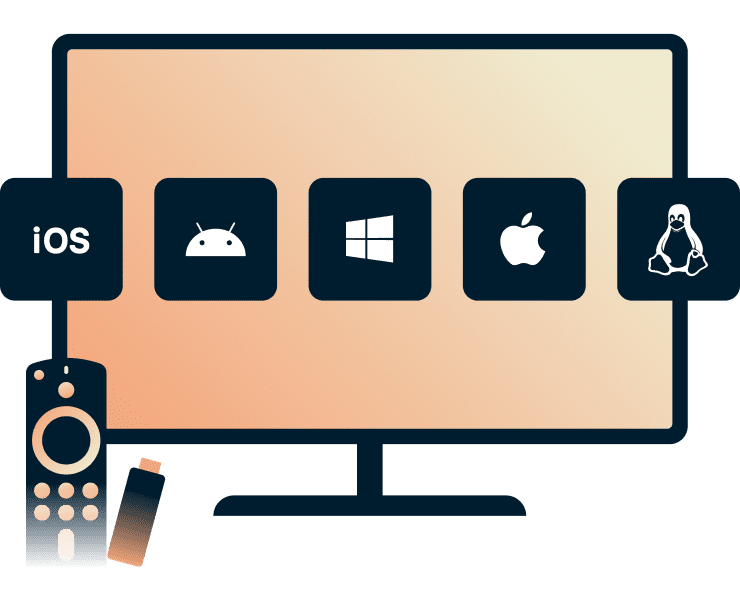
iOS, Android, Windows, macOS, Linux, Fire TV, and more
With native apps for PC, mobile devices, and even smart TVs, you can protect every device you own from day one.
Enable auto-connect to launch protection as soon as you join any network, and shield your data while you’re on the move. Split tunneling lets you customize connections and route your banking apps through the VPN for encryption while keeping local services like your news app on your regular connection.
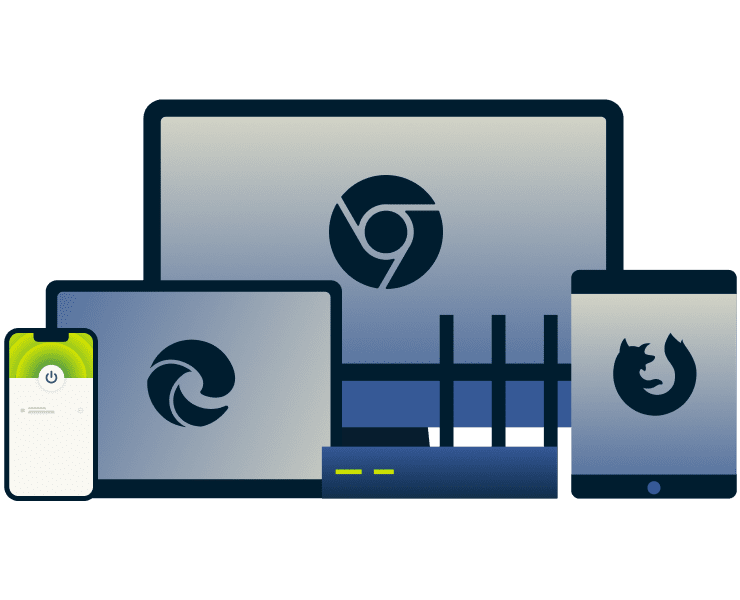
Use browser extensions on Chrome, Edge, and Firefox
Quick browser access lets you protect web traffic in a single click, preventing exposure to snoops or public Wi-Fi threats. You can run it independently without the desktop app or use it to control the app for device-wide protection.
ExpressVPN's extensions for Chrome and other browsers are ideal for frequent travelers or shared workspaces. Built-in HTML5 location control and WebRTC blocking keep your actual IP address hidden while you browse or stream via your preferred subscriptions.

Connect up to 14 devices simultaneously
A single plan supports up to 14 active devices, enough to cover any gadget-lover or large household. Each connection benefits from strong encryption and stable speeds. The kids can stream while your partner works, and you make money transfers safely, all at the same time.
Your device allowance remains the same during the trial period and throughout your subscription.
During and after the trial: What to expect
Stay secure automatically, or cancel anytime within the refund window
-
![Stay protected by keeping your plan active Your plan remains active beyond the refund period so you can maintain protection effortlessly. You keep ...]()
Stay protected by keeping your plan active
Your plan remains active beyond the refund period so you can maintain protection effortlessly.
You keep access to all the same features you signed up for, with continuous security upgrades and 24/7 live support.
-
![Or cancel within 30 days for a full refund The refund period lets you try ExpressVPN’s features confidently, with zero risk. If you decide not to...]()
Or cancel within 30 days for a full refund
The refund period lets you try ExpressVPN’s features confidently, with zero risk.
If you decide not to continue, just request a refund from support via chat or email, quickly and without conditions.
-
![Note: Refund terms vary for app store purchases For subscriptions purchased through the Apple App Store or Google Play Store, refund requests are s...]()
Note: Refund terms vary for app store purchases
For subscriptions purchased through the Apple App Store or Google Play Store, refund requests are subject to Apple’s or Google’s refund policies and do not qualify for ExpressVPN’s 30-day money-back guarantee. Refer to Apple or Google support for detailed instructions.

Trusted by millions worldwide
Read reviews and see why customers trust ExpressVPN every day
I have ExpressVPN on all my devices - phone, laptop, tablet, AppleTV, etc., and absolutely love it.


* A sample of reviews from our most satisfied customers
Got an account with @expressvpn yesterday. Great decision for traveling out of the country!
@D_Geiger

* A sample of reviews from our most satisfied customers
With its consistent performance and reliable security, ExpressVPN is the best VPN out there.

* We sometimes pay expert sites for customer referrals
FAQ: About the ExpressVPN trial
Explore common questions about features, trials, and risk-free use
Is there an ExpressVPN free trial?
Yes, ExpressVPN offers a 3-day free trial on iOS and Android when you sign up through the app. For new users who sign up directly through the website, ExpressVPN offers a 30-day money-back guarantee with the option to request a refund within 30 days.
Users who start their subscriptions through the iOS App Store or Google Play Store are not eligible for the ExpressVPN 30-day money-back guarantee.
Can I start the free VPN trial without a credit card?
The ExpressVPN 3-day free trial is available on Android and iOS. To activate it, you’ll need a valid payment method linked to your App Store or Google Play account.
Am I getting full access to all features with the trial VPN?
Yes, during the trial period, you can access and use all ExpressVPN features included with the subscription you select. Every plan includes 256-bit AES encryption, leak protection, a kill switch, and our speed-optimized Lightway protocol to keep your data secure and your connection fast.
How many devices can I connect during the trial and on which platforms?
It depends on your subscription: Basic supports 10, Advanced supports 12, and Express Pro supports 14 simultaneous connections. Once you activate your free trial on iOS or Android, you can sign in on any supported platform, including Windows, macOS, Linux, and browser extensions, and use your full device allowance across them. Your connection limit is determined by your subscription tier and remains the same after the trial if you continue with a subscription.
Is ExpressVPN safe to use and legal in my country?
VPN use is legal in most countries. Still, a few countries ban or limit VPN use, so it's best to familiarize yourself with the laws in your country. Plus, any illegal activity remains illegal, even with a VPN. Always use VPNs within legal limits.
What is the difference between a free VPN trial and a money-back guarantee?
ExpressVPN offers a 3-day free trial when you sign up on iOS or Android. Subscriptions purchased through the iOS App Store or Google Play Store are not eligible for the 30-day money-back guarantee and are subject to the respective app stores' refund policies. New users who subscribe through the ExpressVPN website are eligible for the 30-day money-back guarantee.
Will using the trial VPN slow down my internet or affect streaming quality?
ExpressVPN’s Lightway protocol and 10Gbps and 40Gbps servers are optimized for speed, supporting fast, stable streaming and browsing whether you connect to a nearby server or across the globe.
How does ExpressVPN's trial compare with a free VPN for iPhone?
Free VPNs often impose bandwidth limits, weaker encryption, and minimal privacy safeguards. ExpressVPN offers fast, stable connections, 256-bit AES encryption, and a verified no-logs policy. During your refund period, you experience the same premium protection trusted by millions, without the risks of free VPNs.
How do I claim a refund or cancel if I decide not to keep it?
First-time ExpressVPN customers can request a refund within 30 days by contacting 24/7 live chat support (available in multiple languages). Subscriptions purchased through the iOS App Store or Google Play Store are not eligible for the 30-day money-back guarantee and are subject to the respective app stores' refund policies.
Start your ExpressVPN trial today: 30 days, 100% risk-free
- Get instant access to VPN protection on all your devices
- Unlimited data, no logs—just private, secure internet
- Only available to new subscribers
- Request a refund via customer support within 30 days and get your money back