 Celebrate with up to 80% off
-
IoT botnets explained: How to detect and defeat them
Botnets were once built almost entirely from infected desktop and laptop computers. The rise of the Internet of Things (IoT) has changed that. IoT botnets exploit vulnerable connected devices at scale...
-
VPN passthrough: Do you need it, and how does it actually work?
When you use a virtual private network (VPN) to connect to the internet, most modern protocols, like those used by ExpressVPN, work smoothly with your router and don't need any special settings. But i...
-
What is IoT connectivity, and how do you choose the right solution?
Internet of Things (IoT) devices rely on connectivity to send data to the systems that process it and to receive updates when needed. The quality of that connection affects how reliably a device opera...
-
What are YouTube proxies and are they safe?
A YouTube proxy is a website designed to serve as an intermediary between a device and the streaming platform’s servers. This can bring a few benefits, but it also introduces privacy and security ri...
-
What is a virtual private cloud (VPC)?
A public cloud is a shared online infrastructure where an external provider manages resources and delivers them over the internet. A virtual private cloud (VPC) is a logically separated section within...
-

What are trackers? Understanding how they affect your online privacy
Trackers are technologies that collect information about how you use websites, apps, and online services, often without your knowledge. They can track what you click, what you search for, how long you...
-
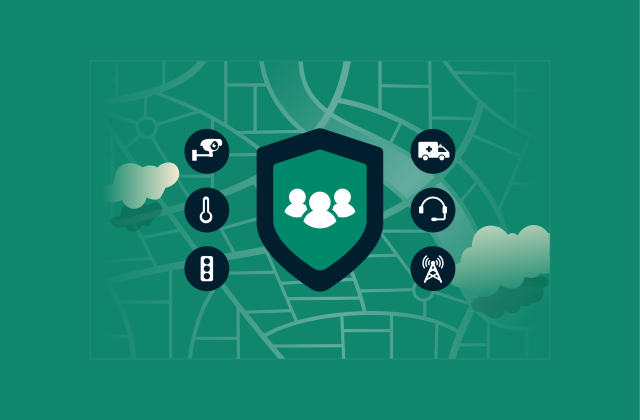
IoT in public safety: Applications and impact
The Internet of Things (IoT) is transforming how cities approach public safety. Connected sensors, cameras, and communication systems can detect fires, floods, and accidents in real time, improving re...
-
Ultimate guide to IoT device security
From smart TVs and speakers to security cameras and door locks, Internet of Things (IoT) devices are now part of everyday life at home and at work. Each one collects data, connects to the internet, an...
-
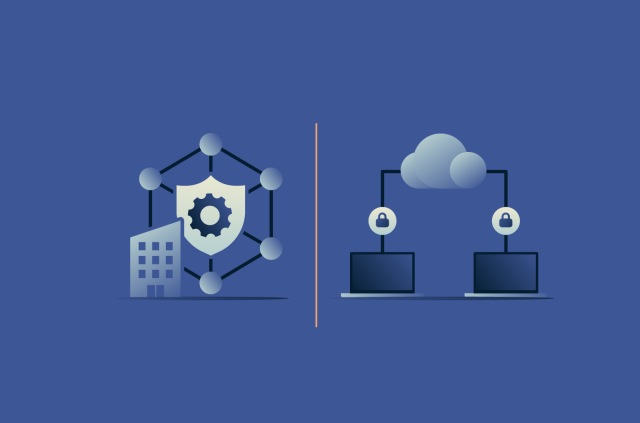
SD-WAN vs. VPN: Which is the right choice for your business?
Choosing between a software-defined wide area network (SD-WAN) and a corporate virtual private network (VPN) often comes down to what your business needs most. Both tools secure connections and suppor...
-

IoT cybersecurity: What it is and why it’s critical for modern networks
Most Internet of Things (IoT) devices don't have built-in security like regular computers or smartphones do. They may use old firmware or weak authentication and lack encryption or automatic software ...